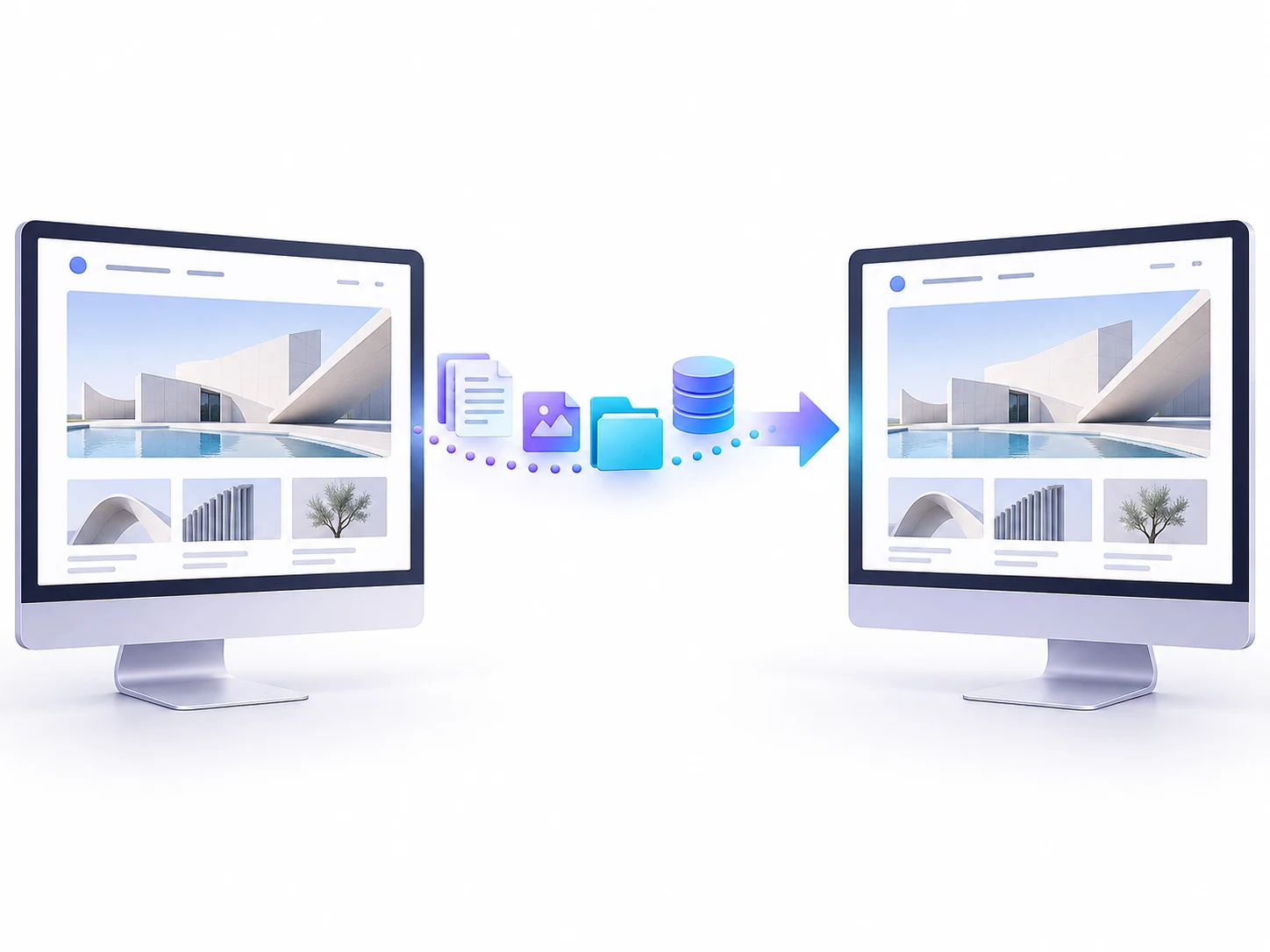
Illustrative migration concept. No downtime or search-performance outcome is promised.
BUILT AROUND YOUR BUSINESS
Make the move with fewer unknowns.
DigiPixel helps plan and carry out website migrations, including WordPress hosting moves and agreed domain or platform changes. The scope starts with what must be preserved: content, customer journeys, integrations and the URLs people already use.
↗
Know what needs to move
Inventory the pages, files, data and integrations involved, with clear decisions about what is retained, changed or retired.
◎
Plan the changeover
Agree the migration sequence, final checks and recovery options before the new environment replaces the old one.
↔
Check beyond the homepage
Review important URLs, forms, analytics and connected services after the move, alongside the visible page layouts.
A good place to start.
For businesses changing hosting, moving a WordPress site, adopting a new domain or planning a more substantial website rebuild.
THE POSSIBILITIES
Different moves need different migration plans.
The website may depend on forms, payment providers, email settings, scheduled tasks and external integrations. We identify the parts that matter, agree what is included and plan the transfer before a live change. Domain and URL changes also need careful mapping and post-launch checks.
Move the website files and database into a suitable environment, then test before changing the live connection. Domain records, SSL certificates, email dependencies and backup arrangements all need to be considered alongside the transfer.
02
Changing domain or page addresses
Prepare an inventory of existing URLs and map them to their intended destinations. Redirects, canonical URLs, internal links and sitemaps should be reviewed, with post-launch monitoring to catch missed pages or unexpected responses.
03
Moving to WordPress or rebuilding
Plan how content and required features will work on the destination platform. A platform change may need new templates or integrations rather than a direct copy. We scope data handling and functional checks before committing to the move.
WEBSITE MIGRATIONS SERVICES
The detail behind the delivery.
Your proposal sets out the work, responsibilities and checks. Depending on your requirements, the scope can include:
01
Migration scope and inventory
A list of pages, data, integrations and settings included in the move.
02
Backup and rollback planning
A defined recovery point and a practical route back if a critical issue appears.
03
Staging or destination checks
Review of the new environment and important journeys before cutover where possible.
04
URL and redirect planning
Mapping for changed addresses, with redirects and internal links checked as part of the scope.
05
Coordinated cutover
An agreed window, responsibilities and checks for content or data changes during the move.
06
Post-move verification
Checks for pages, forms, links, tracking and other included integrations.
Illustrative hosting infrastructure for a planned website move.
HOW THIS COULD WORK
A hosting move with the same public website address
The plan can include a backup, transfer to the new environment and testing before traffic is switched. The team agrees how new content or orders are handled during the move, then checks the live experience after cutover. Email hosting is treated as a separate dependency rather than assumed to move with the website.
Illustrative scenario, not a client case study.
FROM BRIEF TO HANDOVER
Know what happens next.
01
Map the move
Confirm the source, destination, access, dependencies and scope.
02
Prepare and test
Create the recovery point, transfer the site and check the new environment.
03
Cut over and verify
Make the agreed switch and review the live site against the checklist.
YOUR QUESTIONS, ANSWERED
Website Migrations FAQs
Useful details to help you decide on the right next step.
Can you move WordPress to a new host?+
Yes, subject to reviewing the source and destination requirements, access and site dependencies.
Will a migration affect search rankings?+
It can, especially if domains, URLs, content or site structure change. Planning and checks reduce avoidable mistakes but cannot guarantee that visibility will remain unchanged.
Does the migration include business email?+
Not automatically. Website hosting, domain registration, DNS and email can be separate services. The proposal should identify which are included and how the others are protected.
Can you guarantee zero downtime?+
No universal promise is appropriate before assessing the setup. We agree a cutover plan and discuss expected disruption and recovery options.
Can an ecommerce site keep taking orders during a move?+
That requires a specific plan for changing data and order synchronisation. The approach depends on the platform and migration method, and should be agreed before the transfer.
YOUR NEXT STEP
Let’s make a plan for your business.
Share the current and proposed platforms, the reason for moving and any deadline. Include important integrations, domain changes and whether the site takes payments or receives frequent content updates.